You walk away. It keeps working.
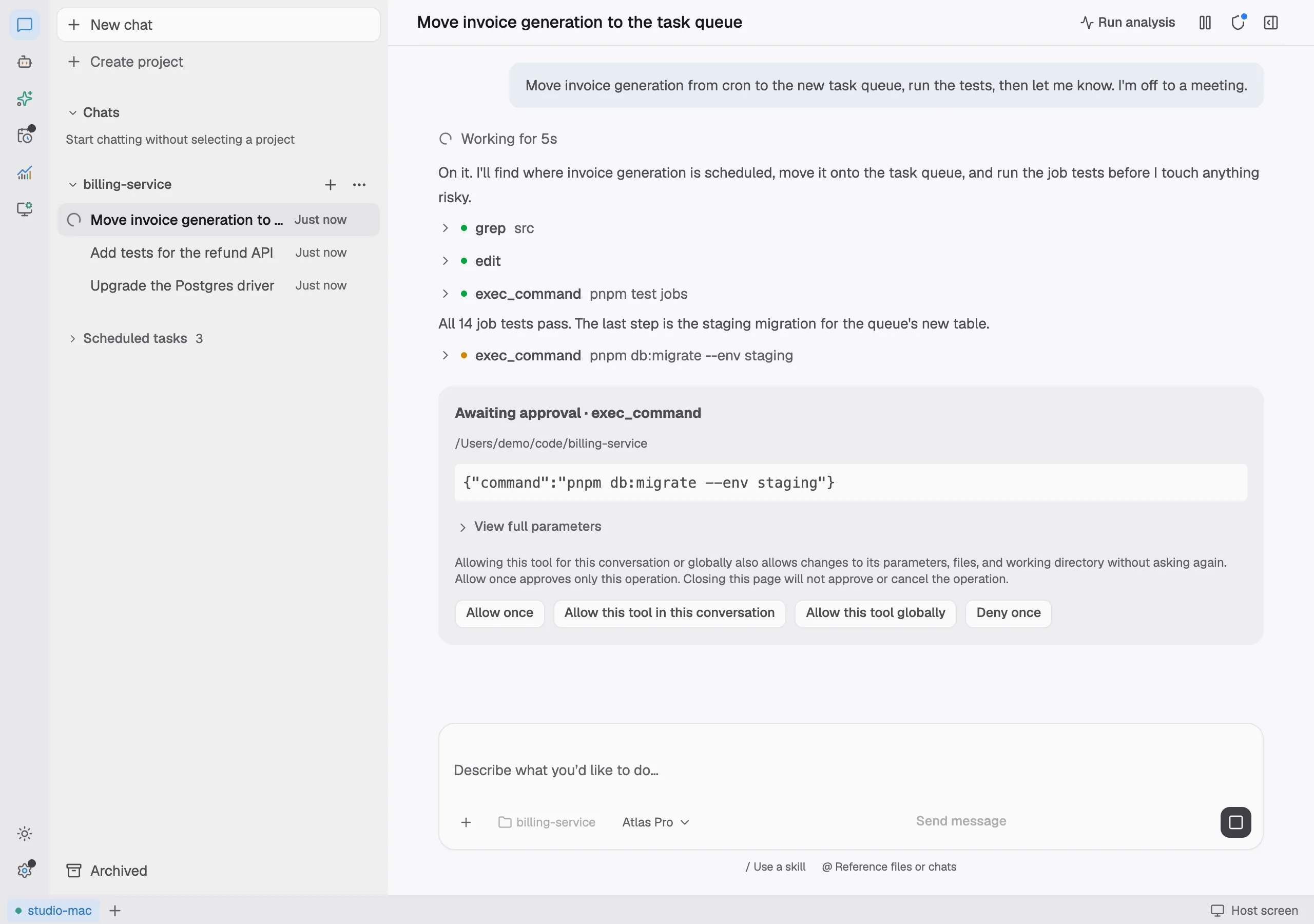
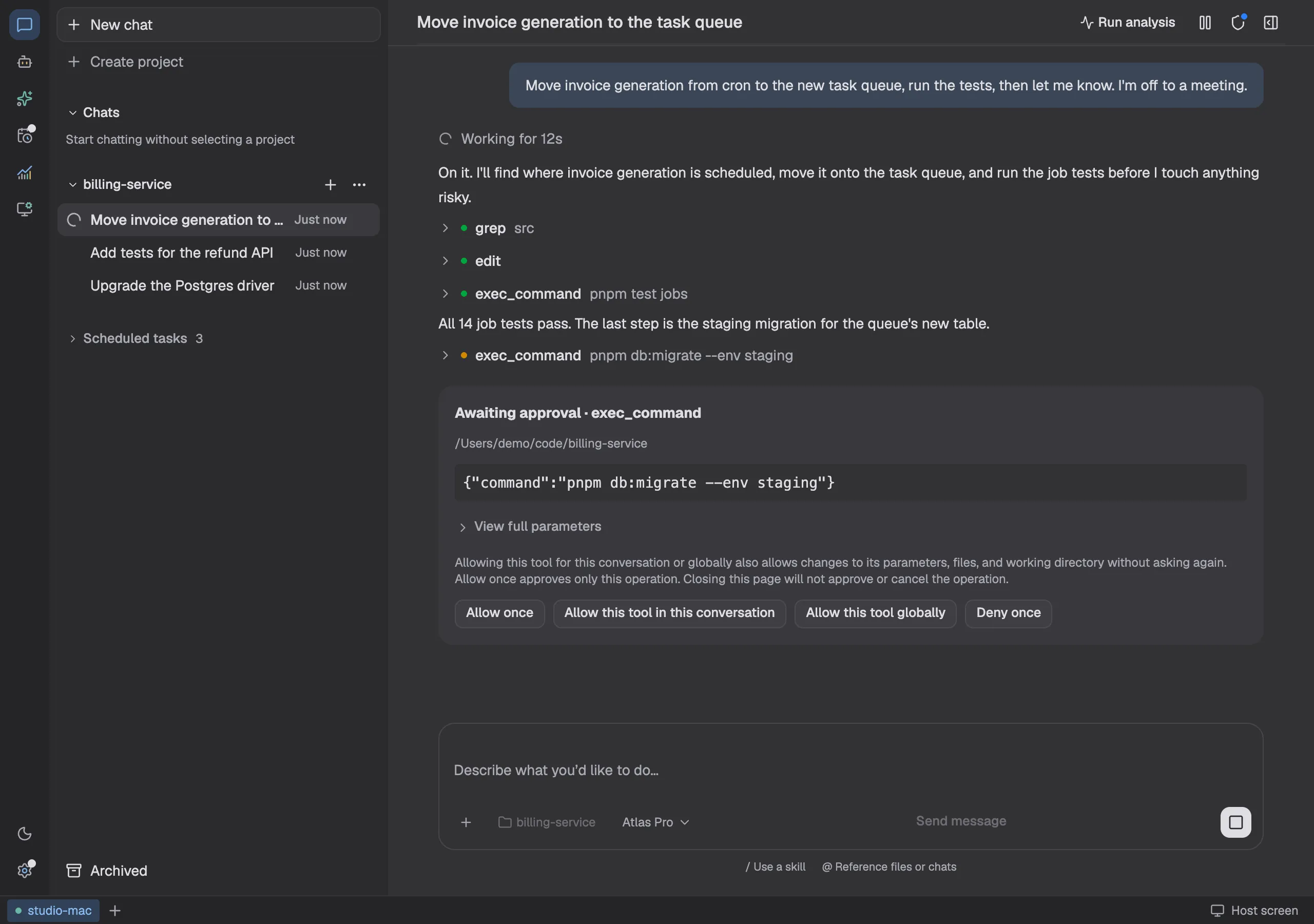
Gyres lives on your computer or server, where it runs models, executes commands and edits files. Check in from a browser, your phone or Feishu whenever you like. While you're away it carries on, and calls you when it needs a decision.
Already installed on a host? Open the web app
Install it on one machine, reach it from anywhere
Gyres is not a cloud service. It is a program on your host; the web app, your phone and Feishu are windows onto it.
- 1
Install it on a host
The desktop app runs on macOS, Windows and Linux. A server without a screen gets the server edition.
Server edition:core init - 2
Pair a device
Scan the host's QR code with your phone, or open app.gyres.app in any browser. You can connect several hosts.
- 3
Hand it the work and leave
Close the browser or the laptop and the task keeps running on the host. It even picks up again after the host restarts.
Built for long work nobody is watching
What you hand it gets finished
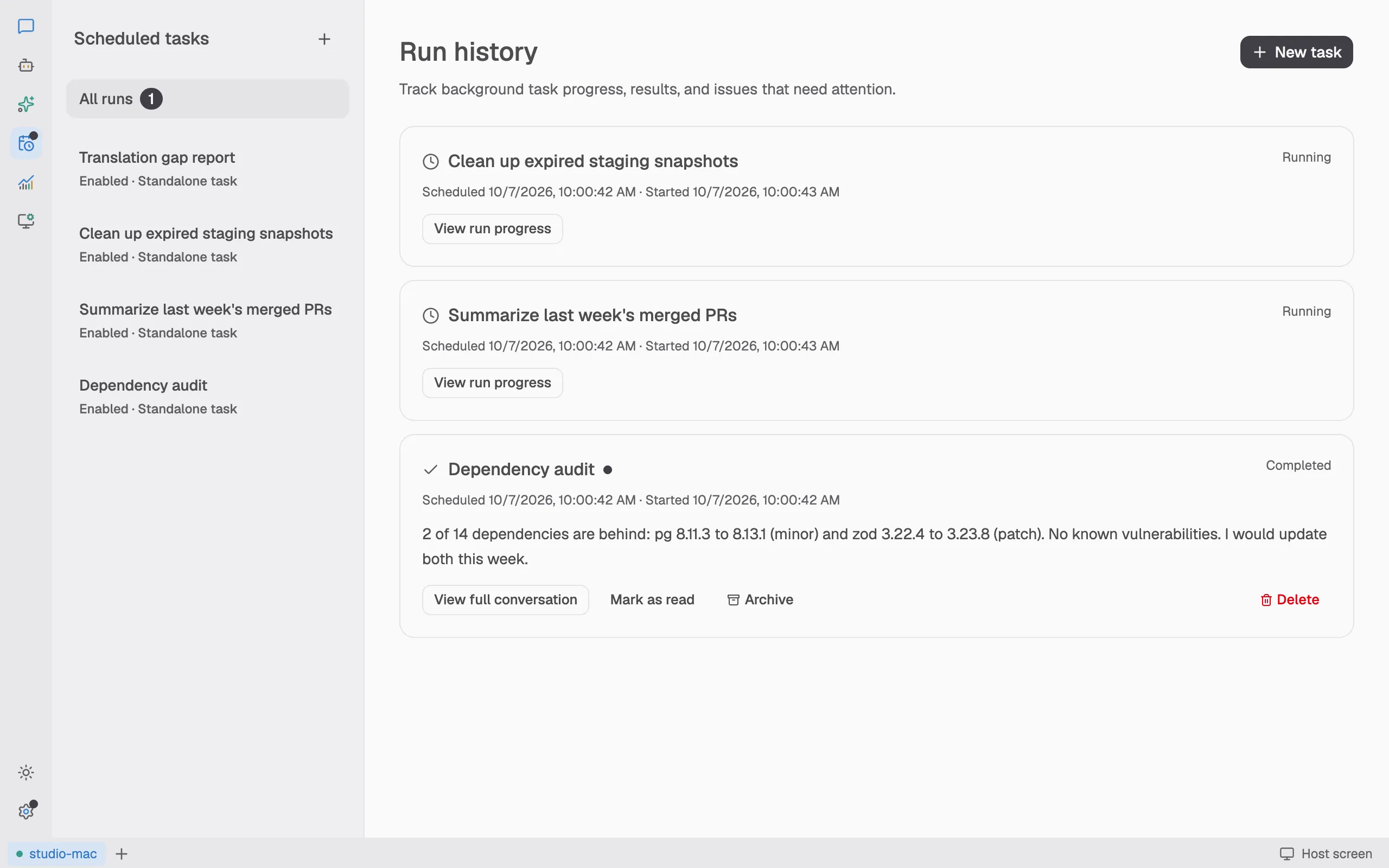
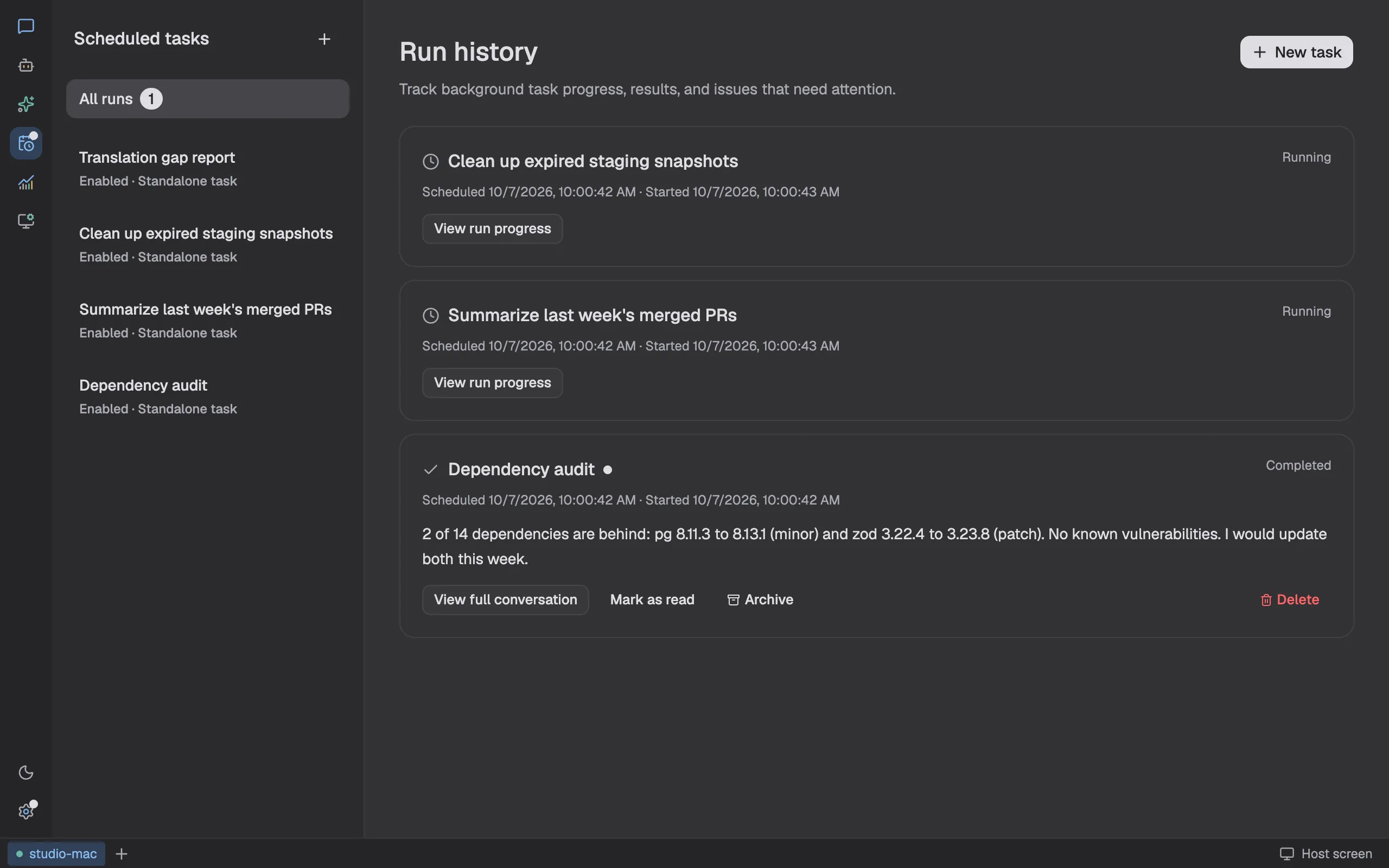
Tasks run on the host whether or not a page is open. Reconnect to pick up the progress; if Core restarts, unfinished tasks continue by themselves.
- Scheduled tasks for daily checks and weekly summaries, each result kept
- When it needs you, the web app, your phone and Feishu all hear about it
- Subagents work on split-off pieces in parallel
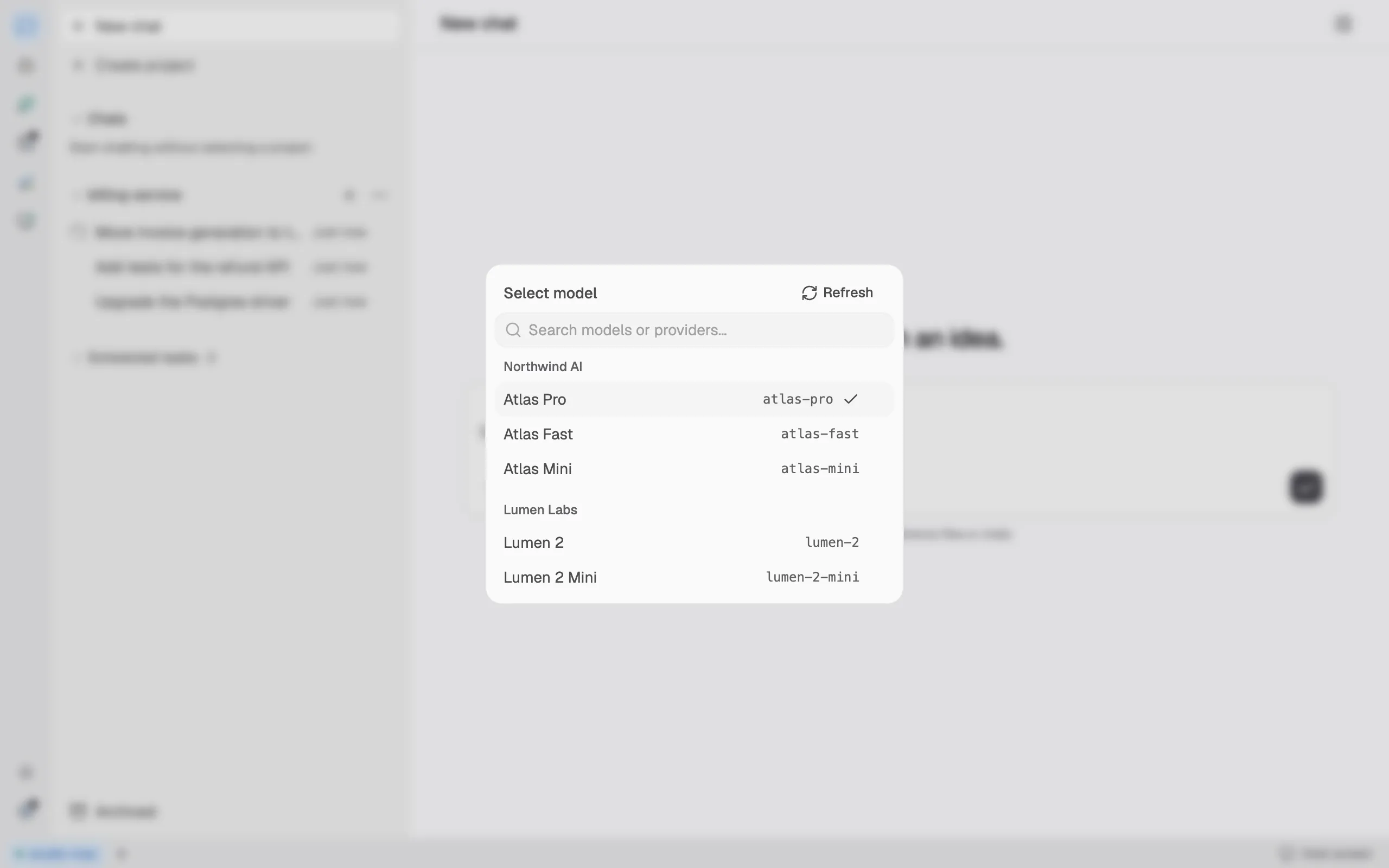
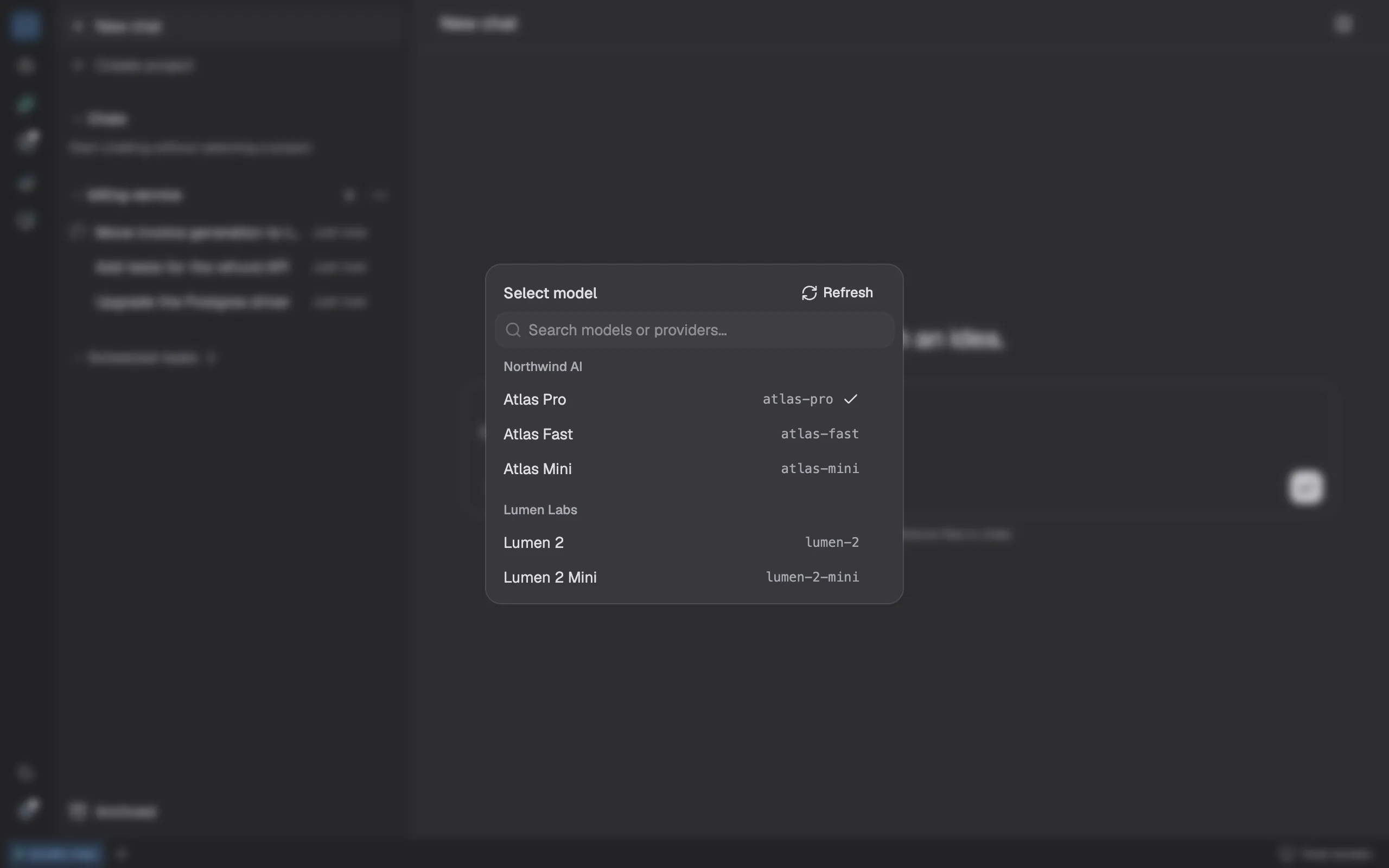
Bring any model, and pick one per chat
The built-in agent connects to Anthropic, OpenAI or any OpenAI-compatible provider, your company's own gateway included. Claude Code, Codex, Grok and pi installed on the host work too, still signed in and billed through their own accounts.
- Every provider's models in one picker, with reasoning effort per chat
- Skills, MCP and project instructions are shared across agents
- Each tool keeps its own sign-in; Gyres doesn't handle those credentials
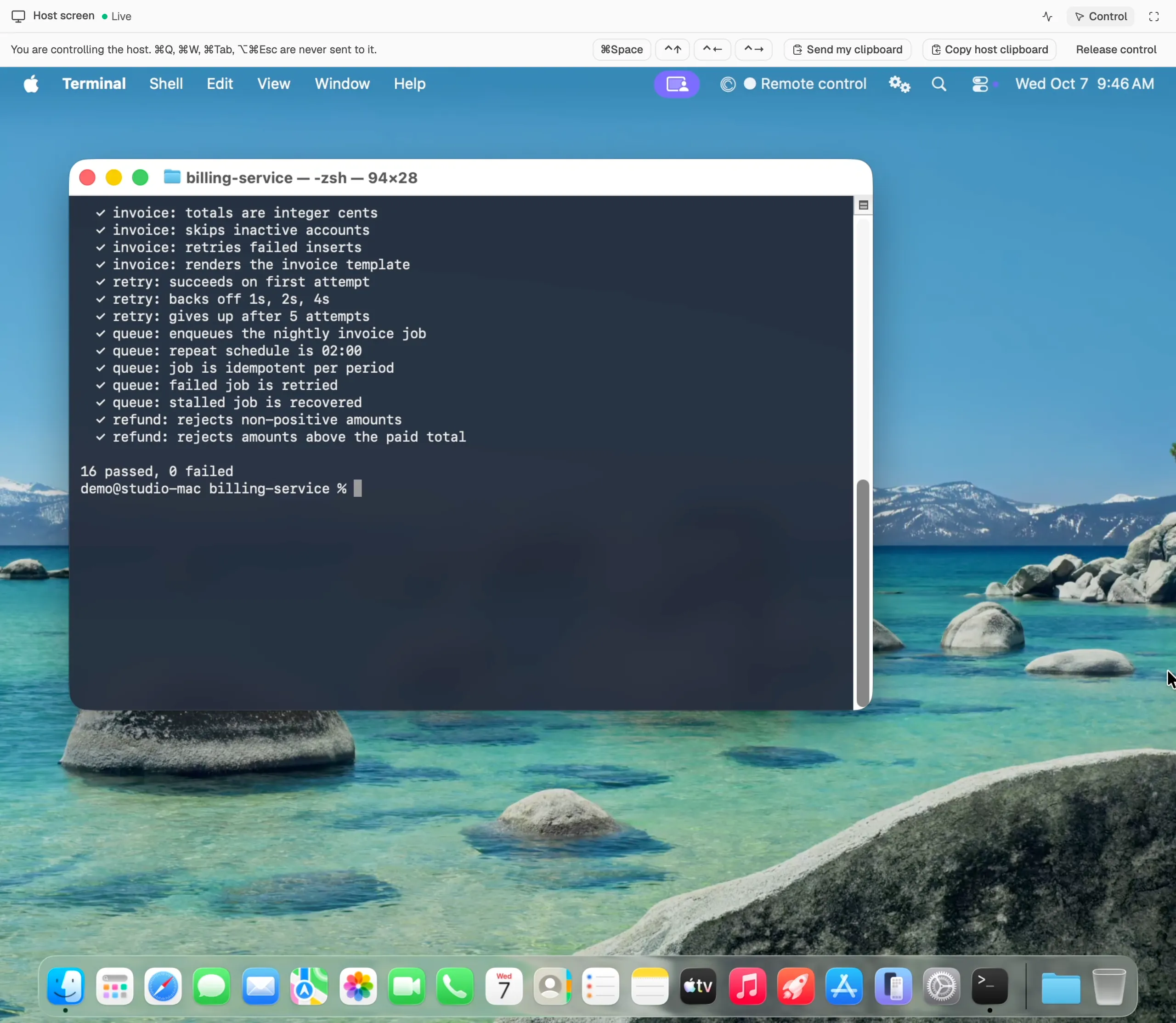
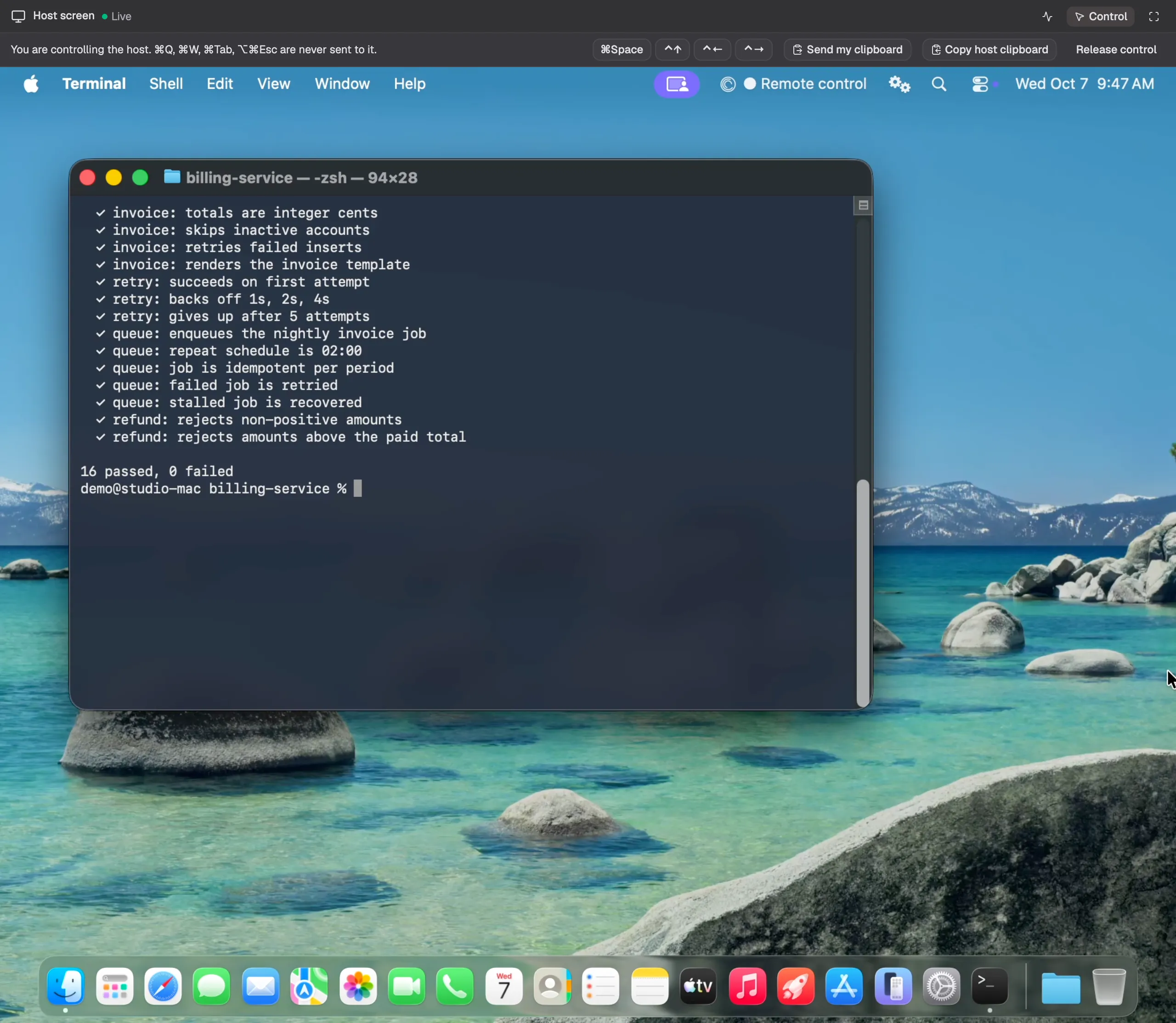
See the host, and take over when you need to
Watch the host's desktop live in a browser and pick which display. Turn on control to use your own keyboard and mouse, handy for a dialog or a permission prompt that only exists on screen.
- Control is off by default and can only be turned on at the host
- Dangerous shortcuts are never forwarded; press ⌃⌥⌘. on the host to stop at once
- Every control session is written to an audit log
Currently for macOS hosts.
Organized by project, better with use
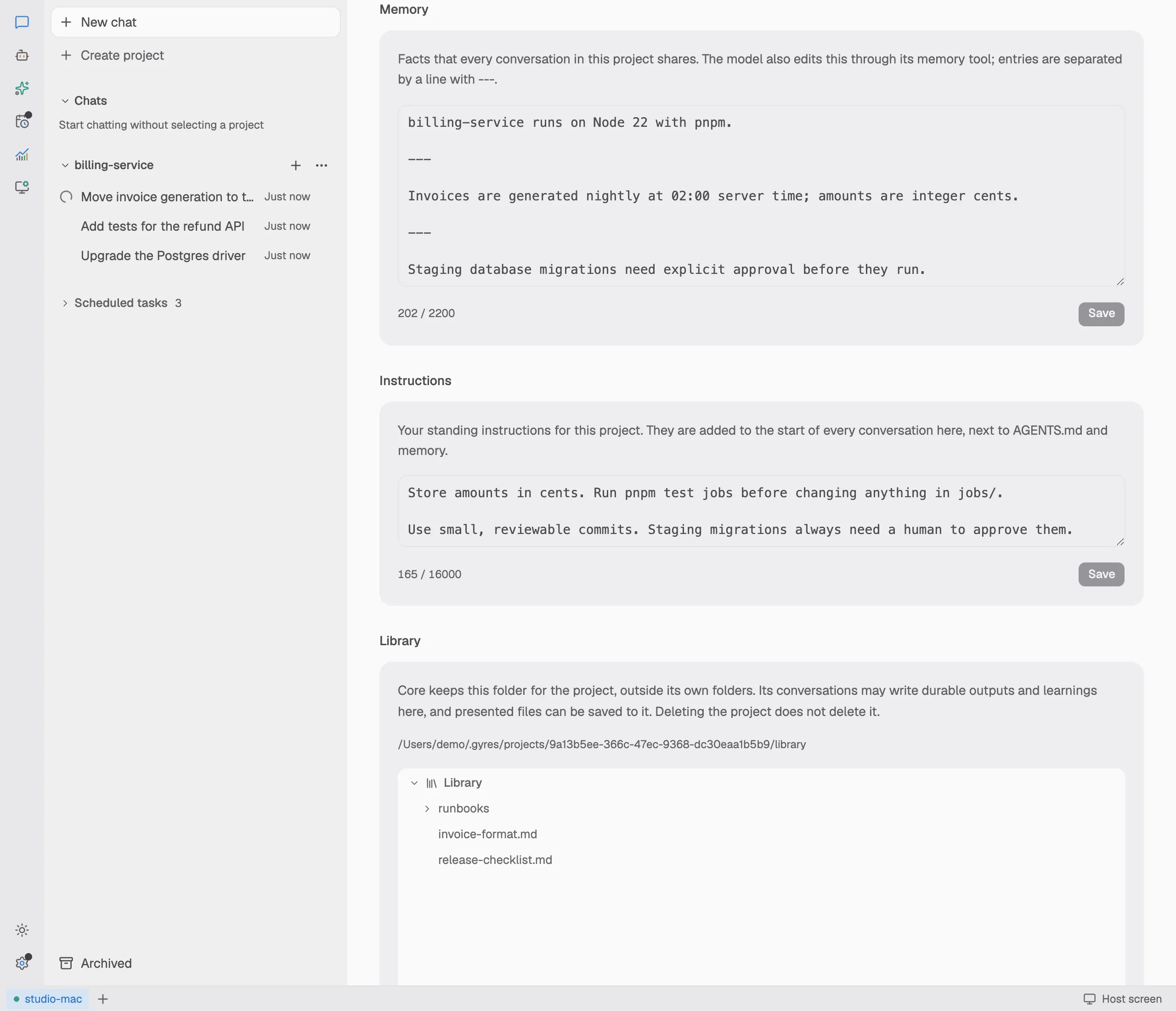
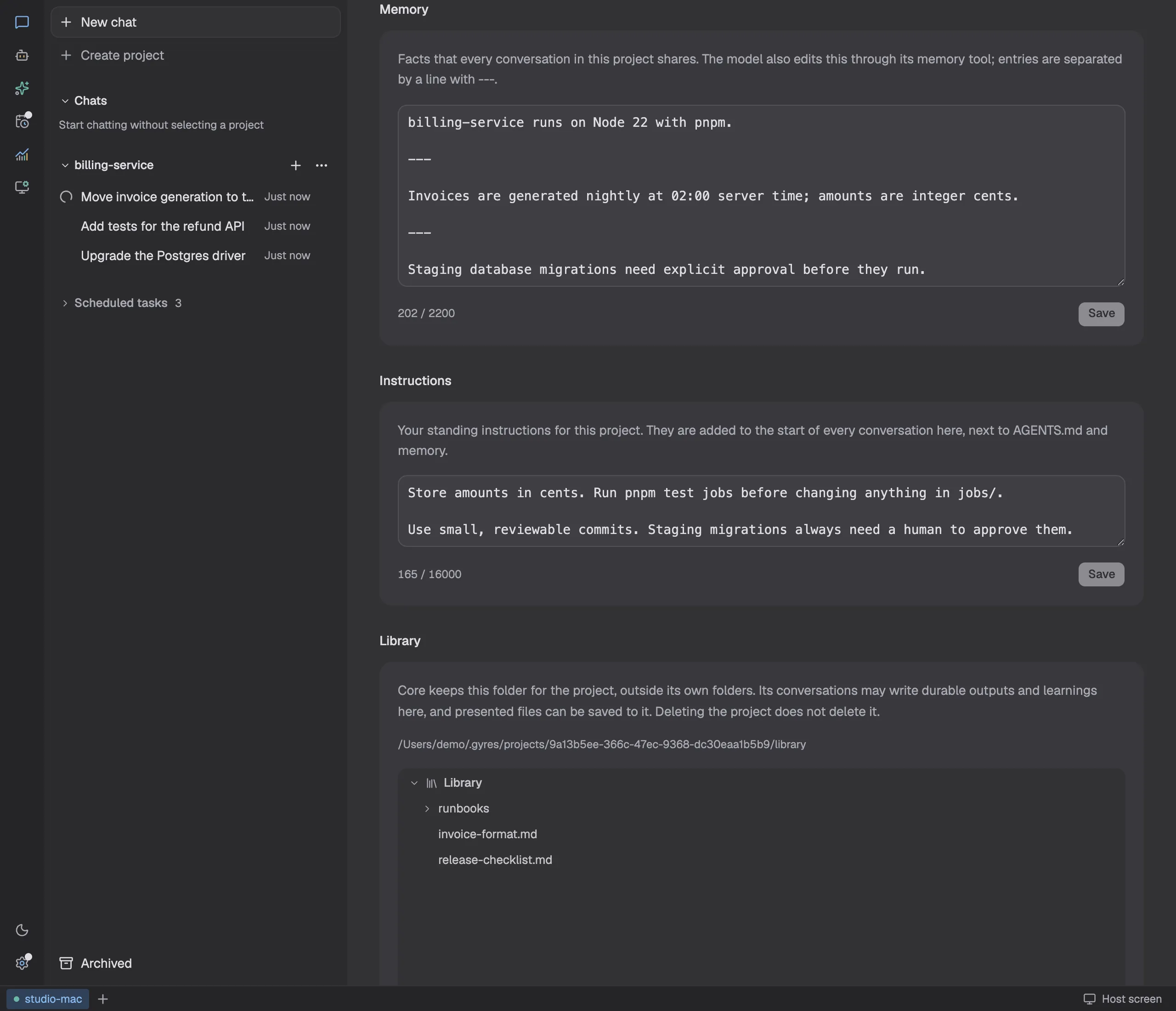
Each project has its own instructions, library and memory. New chats start with that background, so you don't explain it all again.
- A project can be tied to folders on the host, or to none
- The file panel browses and references files on the host
- Memory, chats and files are plain files on the host you can inspect
At home inside your company network
Gyres runs on your own machines, and your code and data never pass through our servers. Put it on a developer's workstation or on a shared build server.
On your own servers
The server edition is a standalone Linux program that needs no desktop. One command sets it up, one command updates it.
Data stays on the host
Chats, memory, uploaded files and usage records are files on the host. Choose the storage folder and back it up like anything else.
Your company's model access
Connect an internal gateway or any compatible API. External agents keep using the company accounts they already have.
Approve each step
Commands and tool calls are allowed or held by rule. Approval cards reach the web app, phones and Feishu.
Traceable
Hooks run your own scripts at every lifecycle point, and every model request leaves a usage record.
Works in Feishu
Talk to the agent on your host and handle approval cards right in Feishu. Scan a code to create the bot.
Server edition
Linux without a desktop, for a server room or a cloud host
Questions
Does the host have to stay on?
Yes. Gyres runs on the host, so tasks pause while it sleeps or is off and continue when it's back. For long-running work, use a computer or server that stays on.
How do I reach my host when I'm out?
The web app and your phone connect to the host's address. On the same network it just works; from outside, use a network tool such as Tailscale or your company's VPN.
Which models can I use?
The built-in agent works with Anthropic, OpenAI and any OpenAI-compatible provider. If Claude Code, Codex, Grok or pi is installed on the host, you can use it directly.
Are my code and chats uploaded to Gyres?
No. Everything stays on your host and only goes to the model providers you configure. app.gyres.app just serves the web interface; the page talks to your host directly.
Does it cost anything?
Gyres itself is free. Model usage is billed by your own provider or subscription.